

Connect your bank and see everything in a few minutes.
Link your accounts once through Plaid. After that, your data stays in sync on its own.
- 1
Connect your bank
Link your bank and card accounts through Plaid. Bramble gets read only access to balances and transactions, never your login.
- 2
See everything
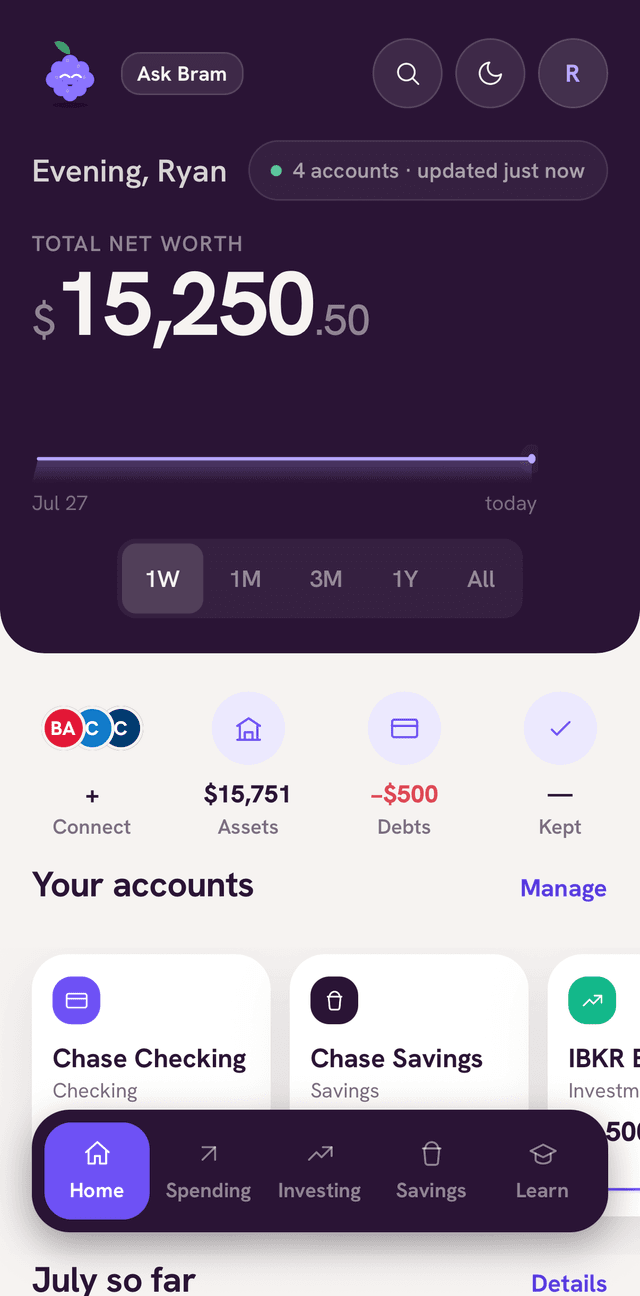
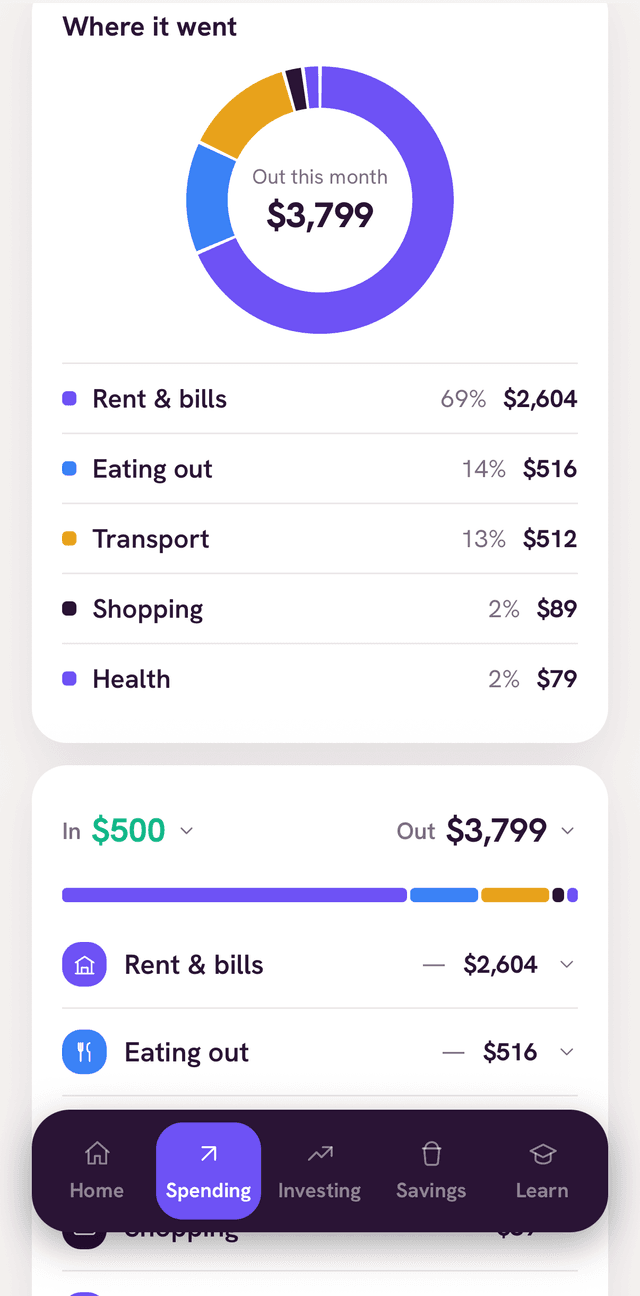
Balances, spending, savings, and debt sync on their own. You never type in transactions or import statements.
- 3
Build habits
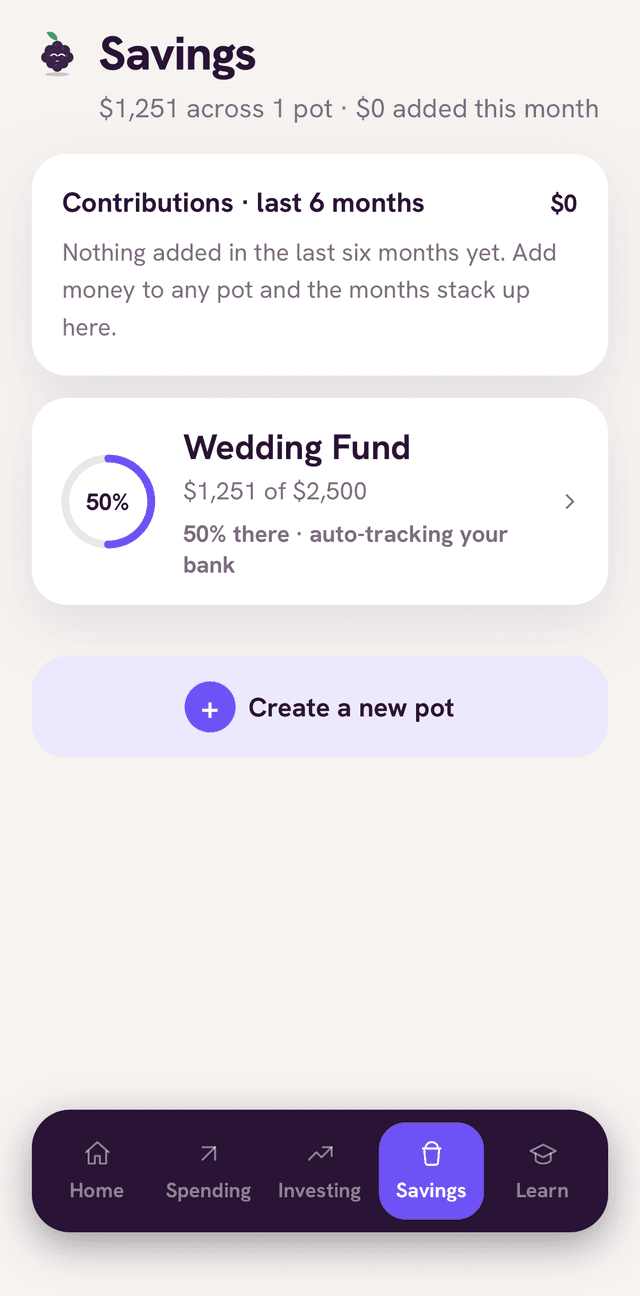
Track your net worth, catch recurring charges, and follow your savings goals and payoff plan over time.
Bank connections are powered by Plaid. Bramble requests only balances and transactions. It never sees your banking login and cannot move money. If a bank can't be linked, you can add accounts manually or import a CSV instead.
Everything shows up in one place
Once your accounts are linked, your net worth, spending, and goals are just there waiting for you. No setup homework.
What travels where
You and your bank
You sign in on your bank's own page. Your credentials stay here.
Plaid
Handles the secure connection and passes along balances and transactions only.
Bramble
Turns the data into your net worth, pots, and insights. It can look but never touch.
There is no path in the other direction. Bramble cannot start payments, transfers, or withdrawals.
Set up in a few minutes
Connect your bank and Bramble does the rest. Join the waitlist to get started.
3 day free trial. Cancel anytime. Read only and private.